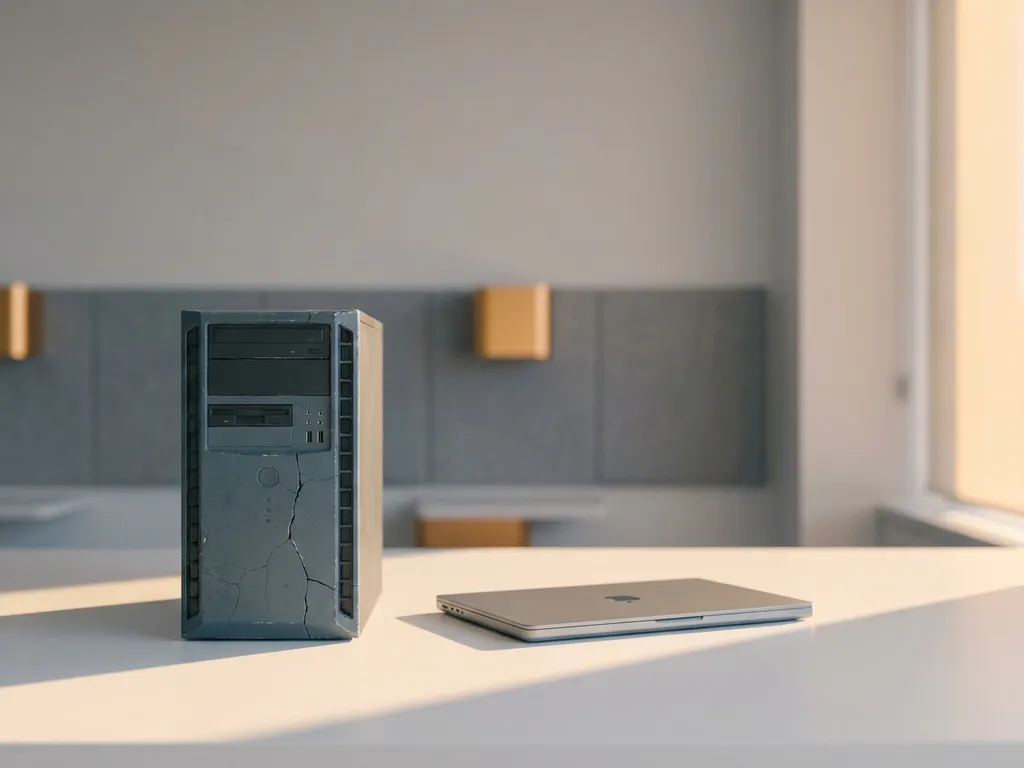
It is time to replace an existing system when the costs and limitations of the current system are structurally higher than the investment in a new system. This does not apply to incidental problems, but to recurring bottlenecks that block growth, security, or ease of use. In this article, we answer the most frequently asked questions about this decision.
What are the signs that a system has reached its limit?
A system has reached its limit when it can no longer structurally meet the demands placed on it. Think of frequent outages, slow performance, the lack of integration options, or the fact that modifications keep costing more time and money. These are not coincidental problems, but symptoms of a system that has exceeded its shelf life.
Concrete signs you recognize in practice:
- Maintenance costs more than usage yields: Every modification requires a disproportionate amount of time from developers or suppliers.
- The system does not scale: As users, data, or transactions grow, performance deteriorates.
- Integrations fail or are not possible: Modern tools and APIs do not connect to the existing architecture.
- Security risks increase: Outdated software no longer receives security updates.
- Employees work around the system: They use Excel, email, or other workarounds because the system falls short.
One of these signals is not necessarily sufficient reason for replacement. But if you recognize multiple points, it is wise to seriously evaluate the situation.
How do you know whether problems are caused by the system or by usage?
Problems are caused by the system when they recur regardless of how the system is used, configured, or operated. Problems caused by usage can be traced back to specific actions, settings, or processes that can be adjusted without modifying the system itself.
A practical way to make this distinction is to ask the following questions:
- Has the problem occurred multiple times with different users or in different situations?
- Was the problem resolved after a temporary fix, or does it return?
- Do other organizations using the same system report similar complaints?
- Is there a configuration or setting that could resolve the problem?
If the problems recur structurally despite correct operation and maintenance, that points to a system limitation. If the problems disappear after training or process adjustment, the cause lies in usage. This distinction determines whether you invest in guidance or in replacement.
What is the difference between replacing and extending a system?
Replacing a system means building or purchasing a new system that fully takes over from the existing one. Extending a system means adding functionality to the existing system without changing its core. The choice depends on how deeply the limitations are embedded in the architecture of the current system.
When extending makes sense
Extending works well when the foundation of the system is solid and the limitations are found in specific modules or integrations. You then add a new feature, build an integration, or replace one component without touching the rest. This is faster and cheaper, but only makes sense if the core of the system is future-proof.
When replacement is the better choice
Replacement is advisable when the limitations are found in the foundations of the system, such as the database architecture, the programming language, or the underlying logic. Extending then solves the surface problem but leaves the structural cause intact. You are then building further on a foundation that will sooner or later fail again.
What costs should you include in the replacement decision?
In a replacement decision, you include not only the development costs of the new system, but also the hidden costs of the current system and the transition itself. A system that appears cheap to maintain on paper can in practice cost far more than a new investment.
Compare the following cost items side by side:
- Current maintenance costs: Licenses, hosting, external support, and internal hours for management and bug fixes.
- Productivity loss: Time employees spend on workarounds, correcting errors, or slow processes.
- Risk exposure: What does a data breach, outage, or compliance issue cost if the system no longer meets current standards?
- Development costs of the new system: Design, build, testing, and implementation of the replacement solution.
- Migration costs: Data migration, integrations with other systems, and any parallel operation during the transition.
- Training costs: Training employees on the new system.
Calculate not only the one-time investment, but also the total costs over a period of three to five years. That provides a realistic picture of what replacement yields compared to continuing with the current system.
How do you manage the transition to a new system?
You manage the transition to a new system by first clearly defining the requirements, then building and migrating in phases, and only fully switching over once the new system has proven to be stable. A big bang replacement where everything transitions at once significantly increases the risk of errors and outages.
A workable approach looks like this:
- Inventory what the new system needs to be able to do: Involve users and define functional and technical requirements before you start building or selecting.
- Choose a phased approach: Build the new system modularly and go live with components step by step, so that your risks remain limited.
- Let both systems run in parallel temporarily: This allows you to compare, identify errors, and fall back on the old system if necessary.
- Plan the data migration carefully: Historical data is valuable. Ensure that migration is tested and validated before you make the switch.
- Train employees before go-live: Do not just change the system, but make sure people know how to work with it.
The transition succeeds not only through good technology, but also through good communication. Keep all stakeholders informed of planning, expectations, and changes in work processes.
How 3Bird helps with replacing an outdated system
At 3Bird, we help companies that are faced with the choice of replacing or extending an existing system. We think along with you on the decision, build the solution, and guide the transition. Our approach combines Dutch quality standards with a cost-effective international development team, so you get a high-quality system without the associated high rates.
What we concretely offer:
- Technical advice from Dutch fractional CTOs who assess the situation and draw up a clear replacement strategy.
- Custom software development tailored to your processes, in the technology that suits your organization, from front-end to full-stack.
- Flexible development capacity with developers available from €25 per hour, scalable up and down based on the project phase.
- Guidance in Dutch throughout the entire process, from analysis to delivery and aftercare.
Would you like to know whether your system is due for replacement, or what a transition would look like in your situation? Contact us at contact@3bird.nl or call +(31)75-7993038 for a no-obligation conversation.