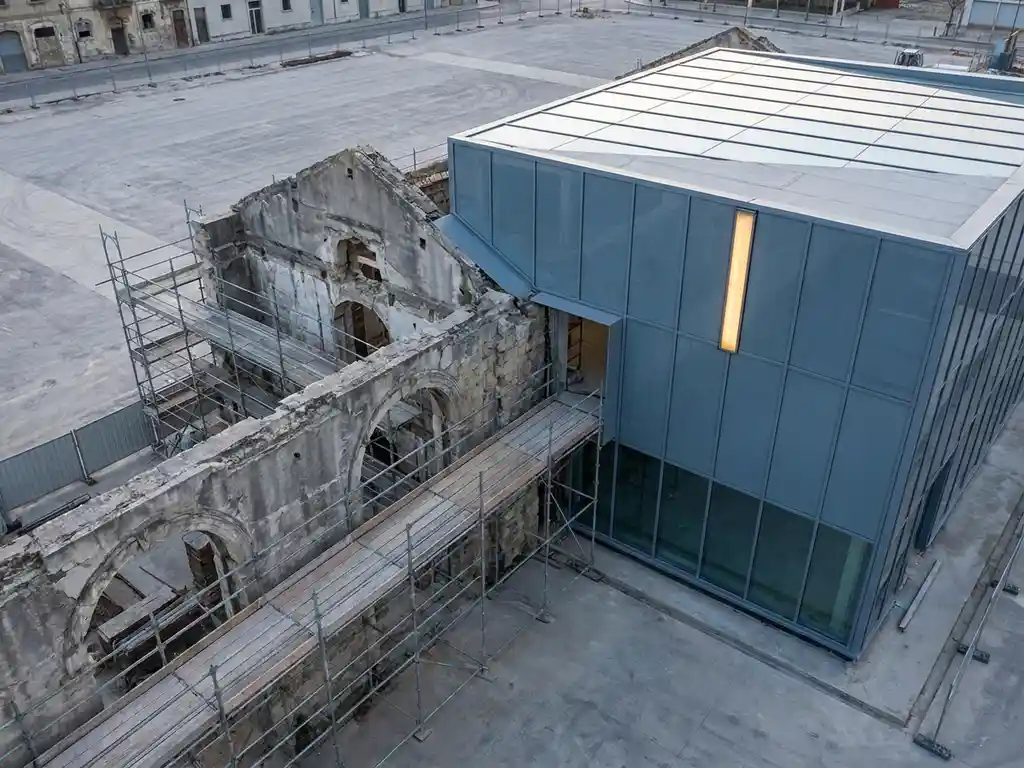
You replace a legacy system step by step: first analyze what the system does, then choose a migration strategy that fits your risk profile, and carry out the replacement in phases. A direct, all-at-once replacement rarely works well. Most organizations opt for a hybrid approach in which the old and new system run alongside each other temporarily. In this article we answer the most frequently asked questions about legacy system replacement, from risks and costs to data migration and team selection.
When is a legacy system ready for replacement?
A legacy system is ready for replacement when the cost of maintenance exceeds the cost of a new system, when the system blocks integrations with modern tools, or when it directly hinders business growth. That moment differs per organization, but there are clear signals indicating that you can no longer wait.
Do you recognize one or more of the following situations? Then replacement is probably the wisest step:
- Maintenance requires specialists who are becoming increasingly difficult to find
- The system runs on outdated infrastructure without security updates
- New features take a disproportionate amount of time and money to build
- Integrations with other systems are cumbersome or impossible
- Employees use workarounds because the system no longer fits their day-to-day reality
Sometimes modernization is an alternative to full replacement. But if the technical debt is too large, or if the architecture no longer fundamentally fits current needs, a new system is the most direct solution.
What are the most commonly used strategies for legacy system replacement?
The most commonly used strategies for legacy system replacement are the big bang migration, the phased migration, and the strangler fig approach. The choice depends on your time pressure, budget, and the complexity of the existing system. Each strategy has specific applications.
Big bang migration
With a big bang migration, you switch completely to the new system on a fixed date. This is the fastest approach, but also the riskiest. It only works if the new system has been thoroughly tested and the organization is well prepared for the transition. For smaller systems with few dependencies, this can be a logical choice.
Phased migration and strangler fig
With a phased approach, you replace the system module by module. The strangler fig method is a variation of this: you build new functionality around the old system until the old system is completely obsolete. This is the most commonly used strategy for complex systems, because the risk is spread out and users gradually get used to the new environment. The downside is that you temporarily have to maintain two systems.
How do you map the risks of a legacy migration?
You map the risks of a legacy migration by analyzing three areas: technical dependencies, data quality, and organizational impact. Start with a thorough inventory of the existing system before you write a single line of new code.
Work out the following risks concretely for your situation:
- Technical risks: undocumented integrations, hidden business logic in the code, and outdated data formats
- Data risks: inconsistent or incomplete data that cannot simply be transferred
- Operational risks: downtime during the migration and the effect on ongoing processes
- Organizational risks: resistance from users and insufficient training
Prioritize the risks based on probability and impact. Convert the highest risks into concrete mitigation measures, such as a fallback plan or a parallel test environment. A risk matrix helps you maintain an overview and set the right priorities.
What does replacing a legacy system cost?
The costs of legacy system replacement vary greatly and depend on the size of the system, the chosen strategy, and the development team. Small systems can be replaced for tens of thousands of euros; complex enterprise systems can run into hundreds of thousands of euros or more. In addition to development costs, there are also costs for data migration, training, and temporarily running two systems simultaneously.
Take the following cost categories into account:
- Analysis and architectural design of the new system
- Development costs (hours multiplied by the team’s rate)
- Data migration and validation
- Testing and quality assurance
- Employee training
- Maintenance of the old system during the transition period
An important point to note: the costs of not replacing also add up. Increasing maintenance costs, productivity loss, and security risks are real cost items that you must factor into the overall assessment.
How do you ensure a smooth data migration during system replacement?
You achieve a smooth data migration by starting early with data quality analysis, drawing up a clear migration plan, and testing the migration multiple times before going live. Data migration is often the most underestimated part of a legacy replacement.
Follow these steps for a controlled data migration:
- Inventory all data: What is in the system, in what format, and what is the quality?
- Clean up data: Remove duplicates, correct errors, and standardize formats before the migration
- Create a mapping: Determine how each data field in the old system corresponds to fields in the new system
- Perform a test migration: First migrate a subset of the data and thoroughly validate the results
- Plan a rollback: Always ensure a fallback option in case the migration does not go well
- Execute the final migration: Preferably during a quiet period with minimal impact on users
Actively involve users in validating the migrated data. They know the data best and will more quickly spot what is not right.
When do you choose a remote development team for legacy replacement?
A remote development team is a good choice for legacy replacement when the required expertise is difficult to find locally, when budget is a limiting factor, or when you want to scale up quickly without lengthy recruitment procedures. Remote teams provide access to a broader talent pool at lower rates than local alternatives.
Remote collaboration works best when there are clear communication structures, an experienced technical point of contact on your side, and regular alignment on progress and priorities. With well-organized remote collaboration, you will notice little difference in practice compared to an in-house team.
Choose a remote team when:
- You need specific technical expertise that is scarce locally
- You want to scale up and down flexibly throughout the project
- You want to work cost-efficiently without compromising on quality
- The project has a clear scope that can be managed well remotely
How 3Bird helps with replacing your legacy system
Legacy replacement requires a team that is both technically strong and understands how your business works. That is exactly what we offer. We combine experienced developers with broad knowledge of modern technologies with Dutch fractional CTOs who handle guidance in your language. This way you benefit from the advantages of an international team without communication problems or loss of quality.
What we do for you during a legacy migration:
- Analysis of the existing system and advice on the best migration strategy
- Custom software development tailored to your specific situation and needs
- Guidance on data migration and quality validation
- Flexible scaling of the team up and down based on the project phase
- Rates from €25 to €30 per hour, significantly more cost-effective than local alternatives
Want to know how we can approach your legacy replacement? Get in touch with us at +(31)75-7993038 or send an email to contact@3bird.nl. We are happy to think along with you about the approach that best fits your situation.