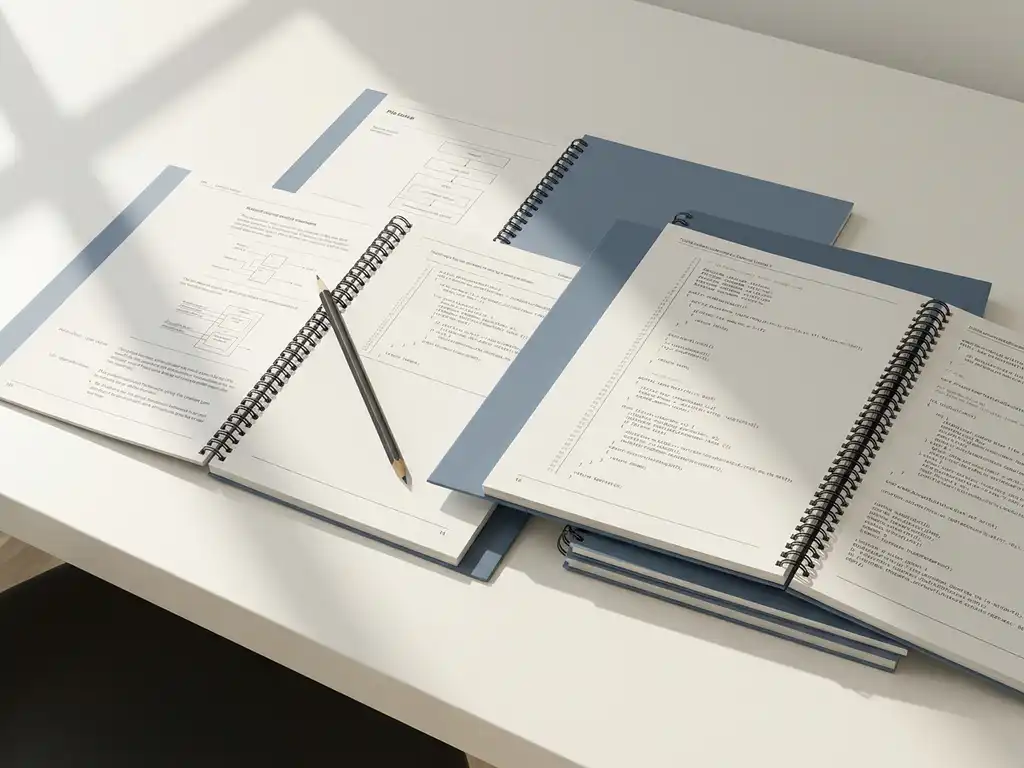
Documentation in software development is the recording of all relevant information about a software system: how it works, why certain decisions were made, and how other people can understand, use, or extend it. Good documentation makes the difference between software your team understands and software that only the original developer can make sense of. In this article, we answer the most frequently asked questions about documentation in software projects.
What types of documentation exist in software development?
In software development, you can broadly distinguish four types of documentation: technical documentation for developers, functional documentation for users and clients, process descriptions for the team, and API documentation for systems that communicate with each other. Each type has a different purpose and a different audience.
- Technical documentation: describes the architecture, code structure, design decisions, and system requirements.
- Functional documentation: explains what the software does from the user’s perspective, without technical jargon.
- API documentation: describes how external systems or developers can interact with the software through interfaces.
- Process descriptions: the recording of workflows, deployment procedures, and testing strategy within the development team.
Which types you need depends on the scale of your project and the number of people working on it. A small internal tool requires different documentation than a platform used by multiple teams and external parties.
Why does software go wrong without good documentation?
Without good documentation, you lose knowledge as soon as someone leaves the team, onboarding new developers becomes slow and costly, and the risk of errors increases when making changes or extensions. Knowledge then exists only in people’s heads, not in the system itself.
In practice, we see that poorly documented software leads to a number of recurring problems:
- New team members don’t understand the codebase and make assumptions that later lead to bugs.
- Architecture decisions are made again because no one remembers why the original choice was made.
- Bug fixes take longer because developers first need to figure out how the system is structured.
- Clients lose track of what the system does and why.
Good documentation is therefore not only useful for the present, but also protects your software investment in the long term. It makes you less dependent on specific individuals and makes your software more transferable.
How does technical documentation differ from functional documentation?
Technical documentation focuses on how the software is built and works, while functional documentation describes what the software does for the user. The difference lies in the audience: technical documentation is for developers, functional documentation is for users, product owners, and clients.
Technical documentation
Technical documentation contains information about the system architecture, technologies used, database schemas, API endpoints, and the logic behind specific implementation decisions. A developer who is new to the project should find enough information here to get started independently without having to ask about every step.
Functional documentation
Functional documentation describes how the software works from the end user’s perspective. Think of user manuals, process descriptions, and specifications of what the system needs to be able to do. These documents are understandable without technical knowledge and serve as a reference during acceptance tests and communication with the client.
When should you write documentation during a software project?
Documentation is best written during development, not after. Documentation written after the fact is often incomplete, because the context and reasoning behind decisions have already been forgotten. The most effective approach is to treat documentation as part of the development process.
Practical moments to keep documentation up to date:
- When starting a project: record the architecture decisions and technology stack before the first line of code is written.
- During sprint reviews or iterations: update functional documentation as soon as a feature is delivered.
- When making a complex decision: write a brief Architecture Decision Record (ADR) to capture the reasoning.
- Before delivery: verify that the documentation is complete and up to date before handing over the software.
By integrating documentation into your regular workflow, you prevent it from becoming a large task at the end of a project.
Who is responsible for documentation in a development team?
Documentation is a shared responsibility of the entire development team, but the division depends on the type of document. Technical documentation is primarily the responsibility of developers, functional documentation falls to the product owner or business analyst, and process descriptions belong to the team lead or project manager.
In practice, it works well to make agreements about who maintains which type of documentation. A few guidelines that help teams:
- Each developer is responsible for documenting the code and decisions they make.
- The team lead or a designated person monitors the quality and completeness of the documentation.
- In larger projects, a technical writer or a fractional CTO can take charge of the documentation strategy.
Documentation only works if the team sees it as part of the work, not as an extra task added on top.
What tools are used for software documentation?
The most commonly used tools for software documentation are Confluence, Notion, GitHub Wiki, and Swagger or OpenAPI for API documentation. The choice depends on the scale of the project, integration with other tools, and the team’s preference.
An overview of popular options per documentation type:
- Confluence or Notion: suitable for functional documentation, process descriptions, and team wikis.
- GitHub or GitLab Wiki: convenient for technical documentation that is closely tied to the code.
- Swagger or OpenAPI: the standard for documenting REST APIs, with the ability to automatically generate documentation from the code.
- Storybook: specifically for front-end components, so that UI elements are visually documented.
- Readme files: simple and effective for project overviews directly in the repository.
The best tool is the tool the team actually uses. A simple system that is consistently maintained is more valuable than an elaborate system that no one keeps up to date.
How 3Bird helps with documentation in software projects
We understand that good documentation makes the difference between software you can manage and software that makes you dependent on one person or team. At 3Bird, we integrate documentation as a fixed step in our development process, so you always know what has been built and why.
What you can expect from us in terms of documentation:
- Technical documentation that tracks which architecture decisions have been made and how the codebase is structured.
- Functional specifications that align with your business processes and are understandable for non-technical stakeholders.
- Guidance from Dutch fractional CTOs who maintain oversight of the quality, consistency, and transferability of the documentation.
- Flexible collaboration where our team of remote developers in Nepal works to the quality standards you would expect from a Dutch company.
Whether you are starting a new software project or looking to improve an existing system, we help you build in a way that will still be understandable five years from now. Get in touch via contact@3bird.nl or call us at +(31)75-7993038 for a no-obligation conversation about your project.
Related Articles
- What to look for when choosing a software developer?
- What is a technical feasibility check and why is it useful?
- How does 5G technology impact IT outsourcing capabilities?
- What is the difference between fixed-price and time-and-materials contracts?
- How does serverless computing affect IT outsourcing costs?